
Seminole VINELink Coverage by Custodian
VINE means Victim Information and Notification Everyday. VINELink is its web portal. The Florida VINELink entry can receive information from participating county and state correctional agencies. SCSO links VINE alongside John E. Polk resources, while FDC separately supplies state-inmate movement information to its victim-notification process. Those are distinct feeds. A person transferred from John E. Polk to FDC has not been released merely because the county record changes.
VINE is not the BOP locator for a federal sentence, the USMS record for a federal pretrial movement, the ICE detainee locator, a court docket, or a warrant search. It also is not a complete history of every person once confined. Search the agency that actually holds the person. If the custodian is unclear, use the county release event, court case, and receiving-agency record to identify it.
A county and state match can describe different custody episodes for the same person. Compare the agency, ID, location, and event time before choosing one. Registering on the wrong match can produce notices that are accurate for another person or another episode but useless for the intended Seminole County check. Keep the source agency name with any screenshot or saved note.
| Custody path | VINELink role | Better confirming record |
|---|---|---|
| John E. Polk county custody | Participating custody status and alert route | SCSO booking and release event |
| Florida state prison | FDC movement or release notification | FDC current or released-inmate record |
| Federal pretrial or sentence | Not the controlling federal locator | Federal docket, USMS contact, or BOP locator |
| Immigration custody | Not the ICE locator | ICE ODLS and source-agency transfer record |
Search a Seminole Inmate on VINELink
Use a name, ID number, or case number supported by the live interface. An agency or offender ID is safer than a common name. VINELink may offer a guest search after CAPTCHA. Compare the agency, identifier, age or birth data, and other displayed facts before opening notification options. Photos can be displayed if an agency supplied one, but a photo is not guaranteed.
- Open Florida in VINELink and choose “Search for Someone.”
- Enter the full name, ID number, or case number available for that record.
- Choose the optional offender-photo display only if it helps distinguish possible matches.
- Complete the guest CAPTCHA or sign in to a VINE account.
- Compare the supplying agency and identifier before opening the record.
- Record the exact custody wording and event date shown at the time of search.
The official Florida VINELink screen provides the state search and notification entry point.
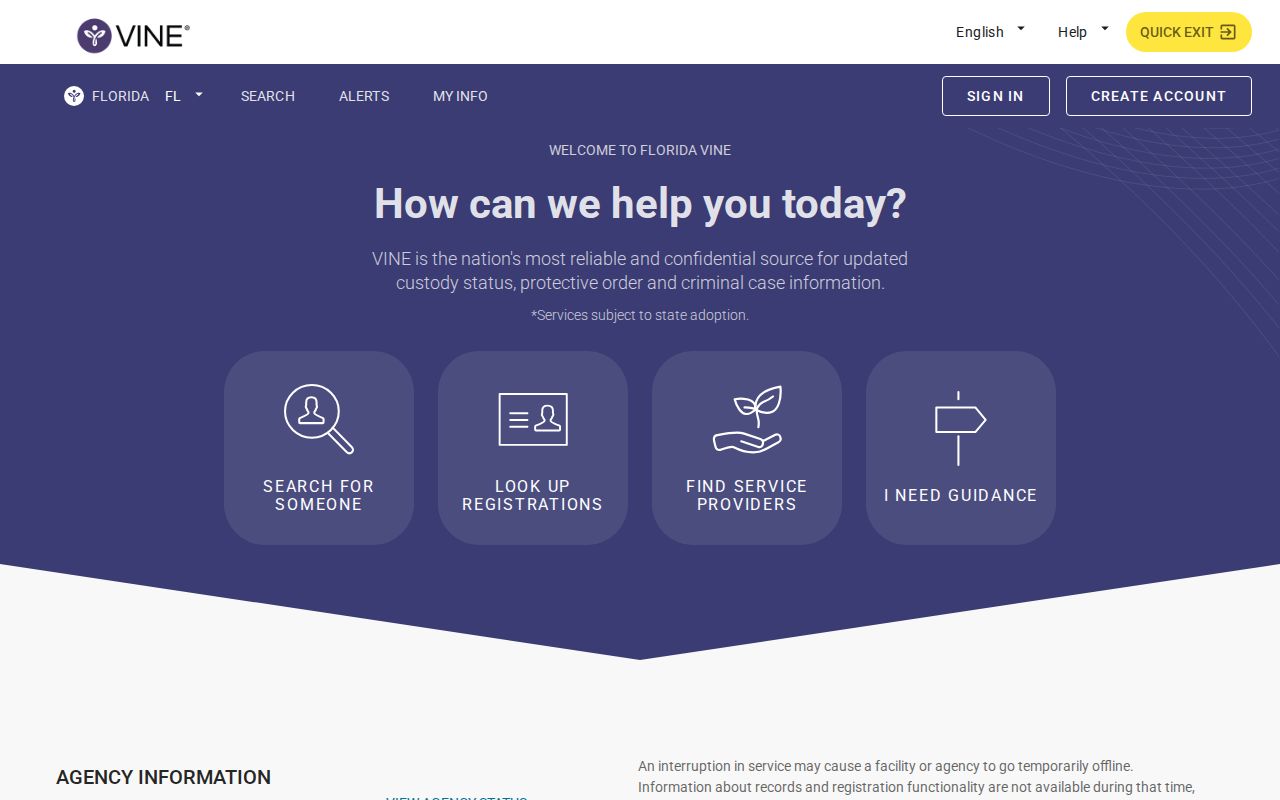
The captured interface is a starting point. The live matched record and its supplying agency determine what can be stated about that person.
What Seminole VINELink Results Show
VINE can display agency-supplied identity, custody, location, and event information. Exact fields differ by source. The official help says results can include people currently in custody or recently released. However, a live Florida released result’s exact label and retention period were not verified during research. Do not invent the phrase “out of custody,” a release-date field, or a number of days that a county result remains visible.
A result should be described with the words actually shown. If the page lists only a location and recent event, report those two facts without adding a legal conclusion. If a field conflicts with the jail or FDC record, preserve the capture time and call the supplying agency. VINE receives data from agencies, so correction usually begins with the source rather than the notification service.
| Possible item | How to read it | Limit |
|---|---|---|
| Name and identifier | Match the intended person | Common names require more comparison |
| Supplying agency | Shows which custodian sent the data | Does not cover other agencies |
| Custody status or location | Quote the live wording | Updates depend on agency submission |
| Most recent event | Distinguish release, transfer, escape, return, death, or movement | An event label is not a full release record |
| Photo, if supplied | Helps compare possible identities | May be absent or tied to a prior episode |
| Notification options | Shows channels available for that record | Options can differ by agency and event |
- Custody event
- A reported change such as transfer, release, escape, return, death, or location change.
- Release alert
- An automated notice that prompts a fresh check with the source agency.
- Transfer
- Movement from one custodian or facility to another while custody continues.
- Notification PIN
- The four-digit code used to acknowledge certain alerts, separate from account verification.
Seminole Victim Rights Link VINELink
SCSO’s Victim’s Rights and Marsy’s Law page specifically pairs John E. Polk custody checking with VINELink. It directs a person who wants release-status notice to register. That local direction is stronger evidence of Seminole participation than a general statement that Florida uses VINE.
SCSO does not publish a VINE feed interval or a retention period for released results. Registration should therefore happen on the correct record before an expected event when possible. A user should save the registration confirmation and keep the jail or agency contact available as a second route. VINE itself advises contacting emergency services in an emergency and the custodian for verification.
Florida also provides a toll-free VINE line at 1-877-846-3435. Phone access can help when web access is limited, but the same identity and agency checks apply. The service may read an automated status. Ask the holding agency for the release record when a precise timestamp, release code, or receiving destination is needed.
John E. Polk’s public roster is configured for current inmates. A person can drop from it after a community release, a transfer, a correction, or another change. VINELink adds a notification path, but it does not turn roster disappearance into proof of release. The Seminole County released inmate search explains how the SCSO release record and Clerk docket supply that proof.
Register Seminole VINE Release Alerts
Open the matched person before registering. Available channels can include email, text, phone call, or in-app notice. Enter the destination and create the requested four-digit notification PIN. VINE recommends using more than one delivery method when available. If an account is created, email or text verification uses a separate delivered code. That account code is not the four-digit alert PIN.
- Confirm the person, identifier, and supplying agency on the open record.
- Choose notification registration or the live “Get Notified” option.
- Select the phone, text, email, or in-app channels offered for that record.
- Enter the phone number or address and create the four-digit notification PIN.
- Complete any separate account email or text verification step.
- Save the confirmation and keep the PIN available to acknowledge phone notices.
The VINELink support screen documents specific-person search, recently released coverage, notification methods, and PIN help.
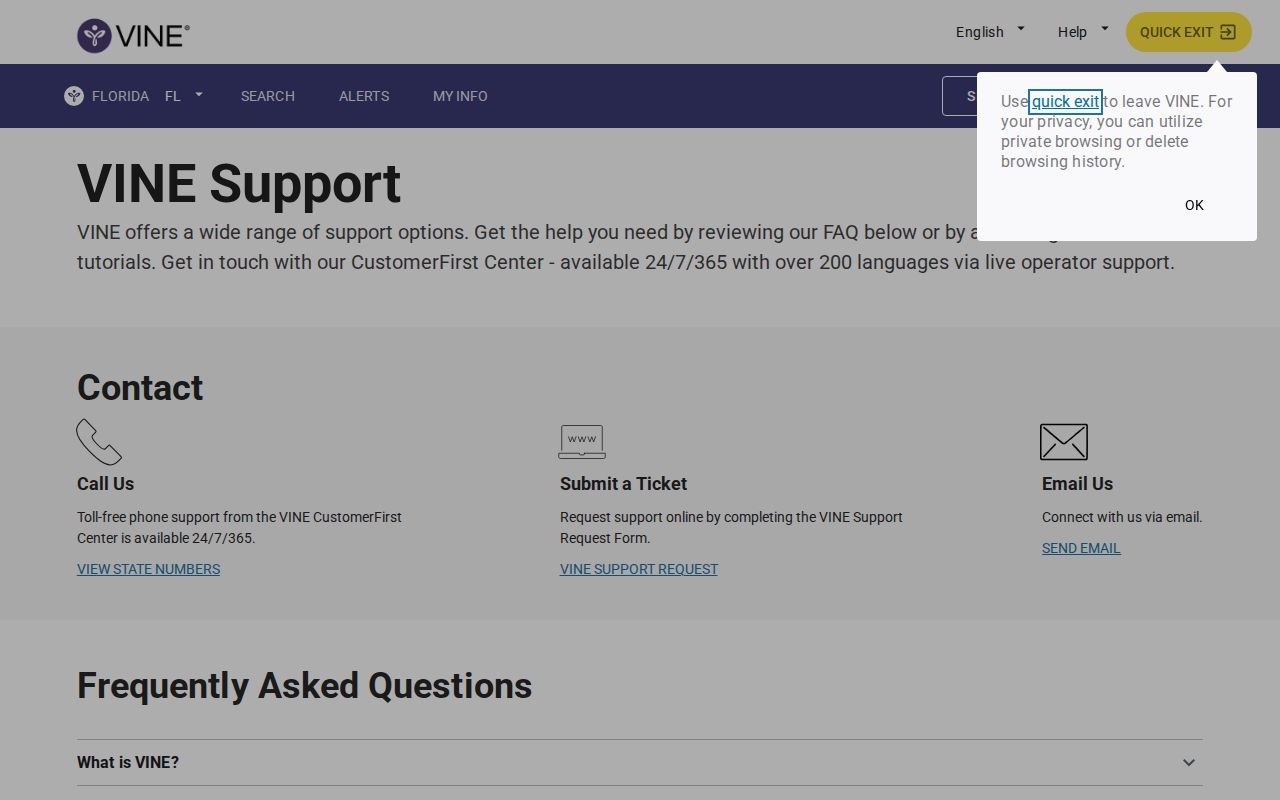
Use that support material with the live Florida registration prompts because channel availability and interface labels can change.
Acknowledge Seminole VINE Phone Alerts
When a phone notice arrives, listen to the full event. Enter the four-digit PIN followed by the pound key. That acknowledges the notice and stops repeated calls for that event. Without acknowledgement, VINE may leave a message and retry under the Florida schedule. Text alerts send once per event and may also require a PIN.
FDC’s Florida form adds practical limits. Phone calls repeat until PIN acknowledgement, while email and text do not repeat. If no PIN was chosen, the default may be the last four digits of the phone number. Direct switchboards and call-announcement services do not work well because the system needs the registered person to hear and acknowledge the call.
The Florida victim-notification form shows the state-specific PIN and delivery behavior.
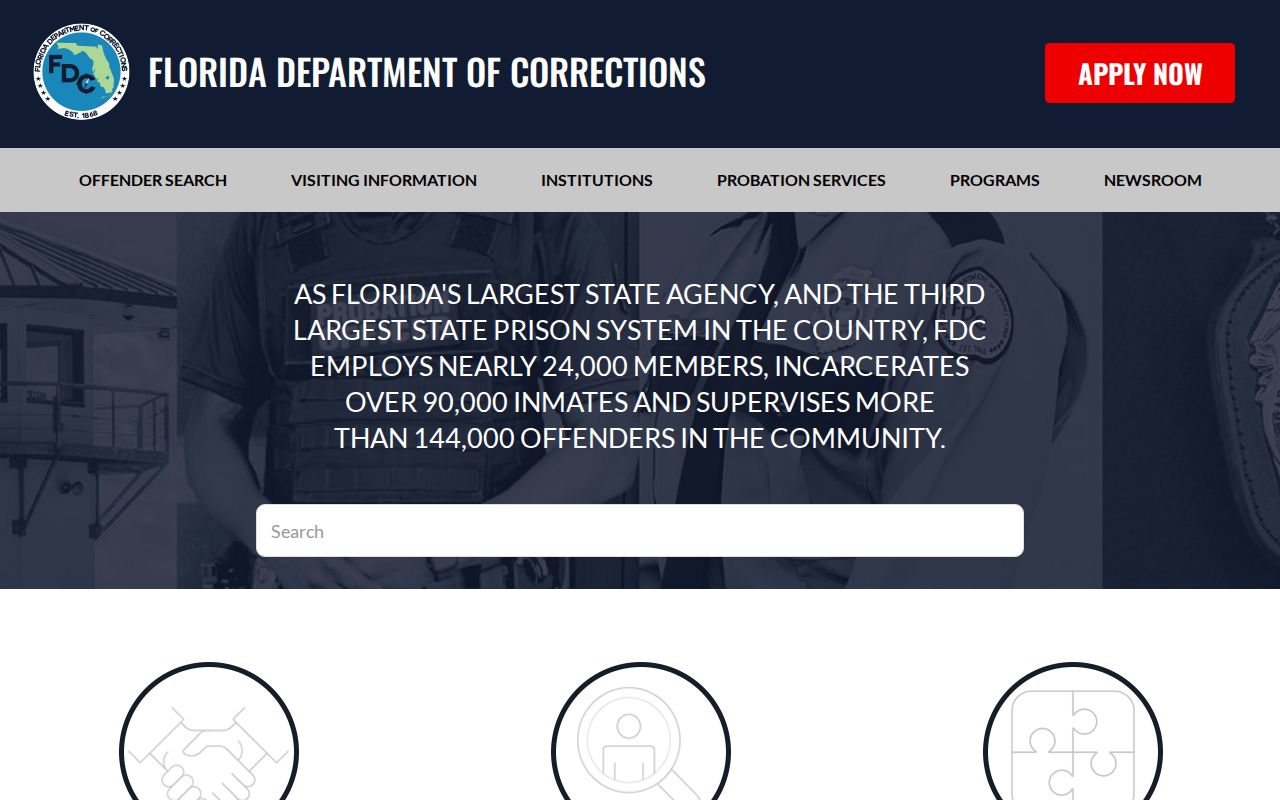
The form clarifies why the alert PIN must be kept separate from an account login or verification code.
Read Seminole Release Alerts Literally
A VINE message can report release, transfer, escape, death, return, or another custody change. Read the event word. A transfer from John E. Polk to FDC or USMS means the person remains confined. An escape notice is not a lawful release. A location change may be an internal movement. Only an event identified as release should prompt a release check, and even then the source-agency event record provides stronger proof.
Automated notices can be delayed. They depend on participating agencies sending updates and VINE processing them. Keep more than one contact route and do not base urgent plans on a single alert. If a phone notice is not acknowledged, repeats can help, but they do not make the message instantaneous.
More than one delivery channel reduces the chance that a changed number, full inbox, filtered email, or missed call hides an event. Update the registration when contact details change. Test access to the account before the expected date, and retain the PIN where the registered recipient can reach it. These steps improve delivery but do not alter the agency’s reporting speed.
When Seminole VINELink Finds Nothing
A no-result search may reflect spelling, a different agency, a changed identifier, a source outage, nonparticipation, a protected record, another custodian, or a record that aged out. It does not prove that the person was released. Try a full legal name and known ID. Then check the current county roster, FDC population, county release record, or federal and immigration system that fits the case.
Ask the facility to correct a source record when the matched identity is clear but the status appears wrong. For a John E. Polk event, request SCSO’s booking and release timestamp, type or code, and receiving destination. For state prison, use the FDC release dataset. Those source records can certify facts that VINE was designed to notify about, not archive conclusively.
Note: Registering before an expected event gives VINE a better chance to deliver notice than searching only after a record has changed.